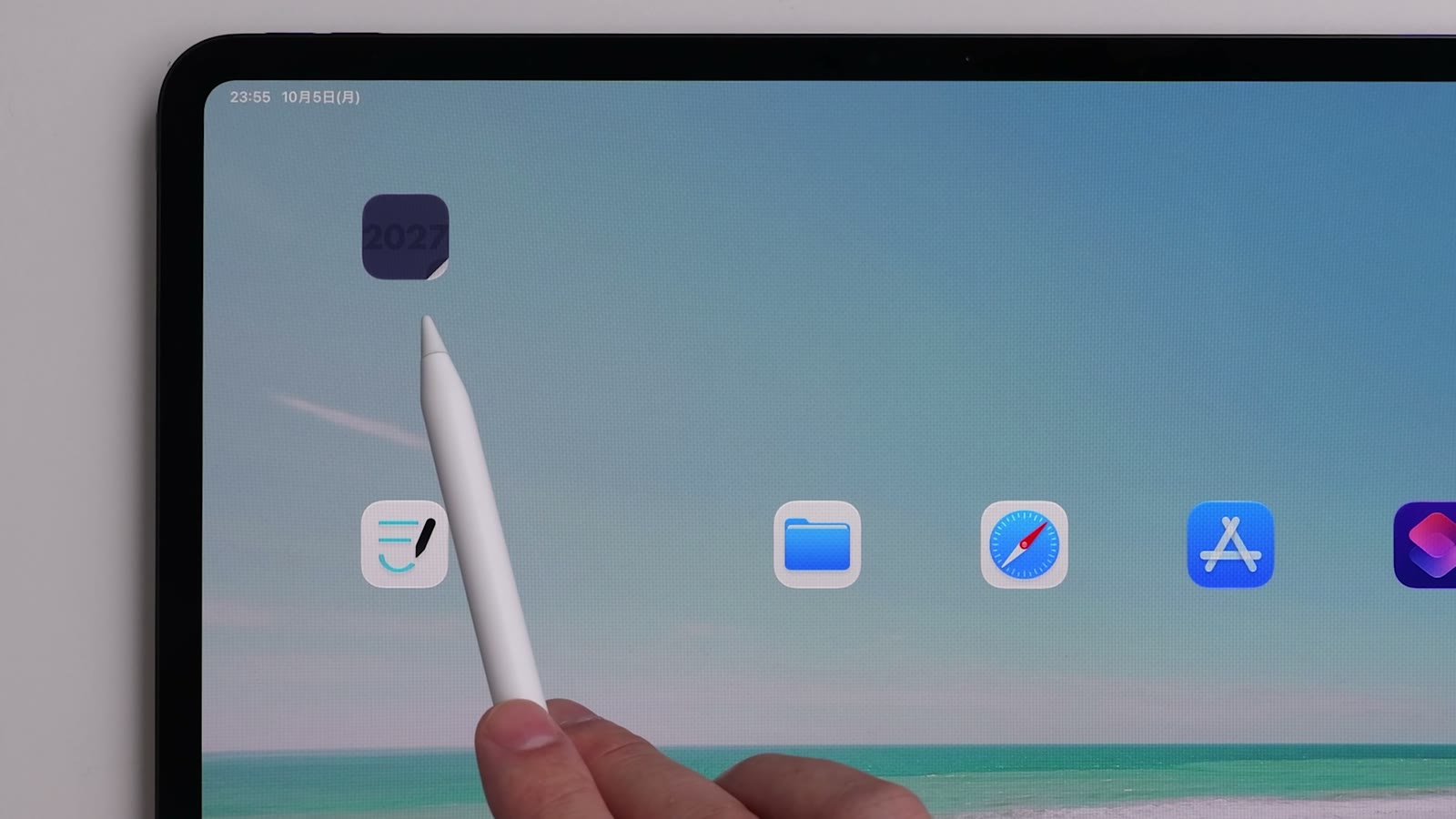
Open your planner from the Home Screen in one tap
Use the Shortcuts app on iPad to open KotaLog Diary straight from a Home Screen icon — with dedicated icons from the Guide page.

The best of analog and digital.
More fun. Less effort.
Since 2021, KotaLog Diary has been updated every year with ideas from the people who use it. For its seventh edition, the 2027 theme is “more fun, less effort.” The calm, simple design stays the same — and three new tools now make everyday writing easier to keep up.
YouTube Introducing KotaLog Diary 2027 (opens in a new tab)
The fresh feeling of writing the first plans in a new planner. The sense of accomplishment when it is full. Because one book covers one year, you feel time passing — and looking back later brings that year back like a time capsule.

Paper planners get left at home, get stained, and make things hard to find. As the years add up, so do the books to store. Calendar apps, where days flow on seamlessly, rarely give you the satisfaction of having kept at it — or a reason to look back.
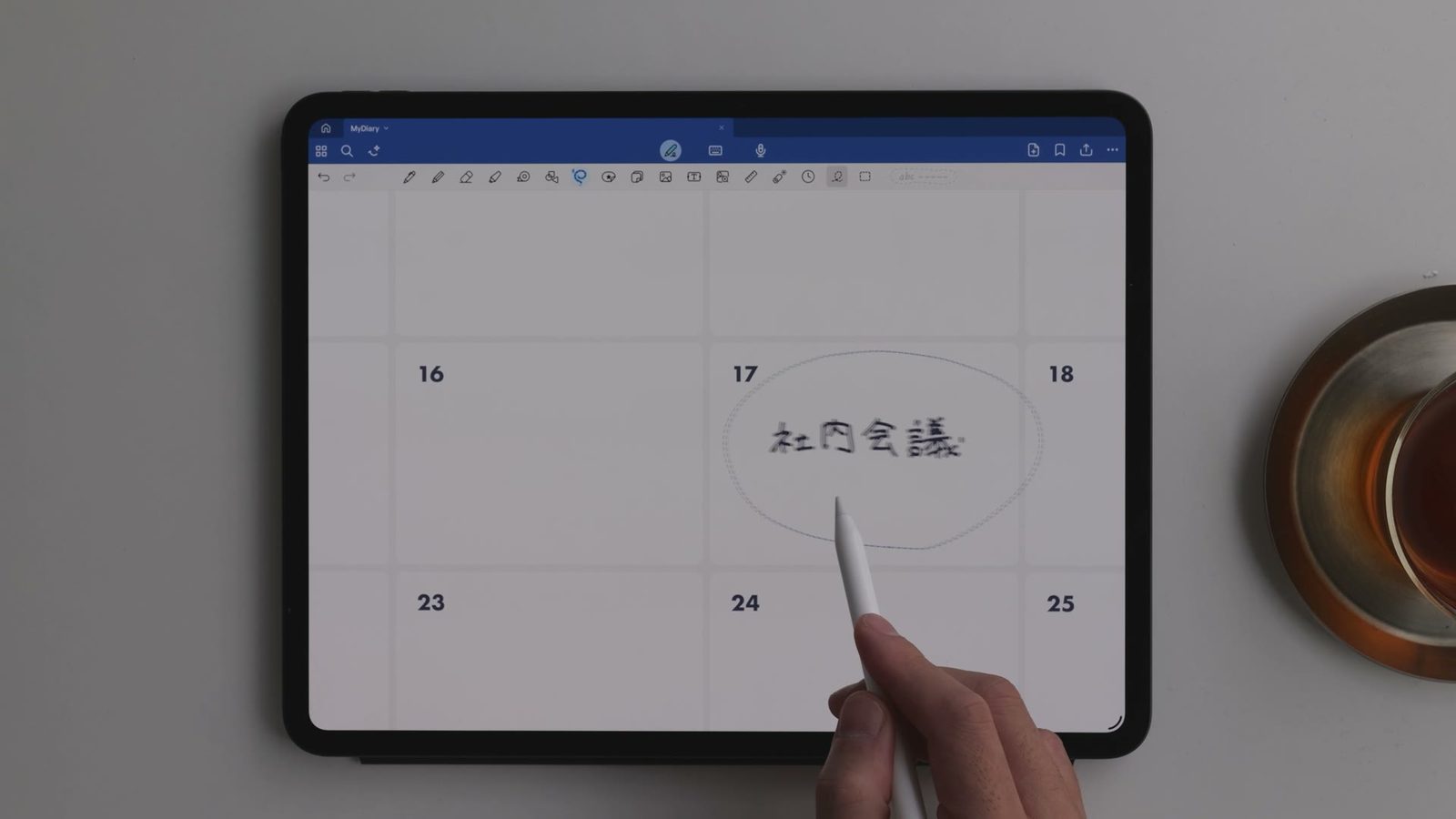

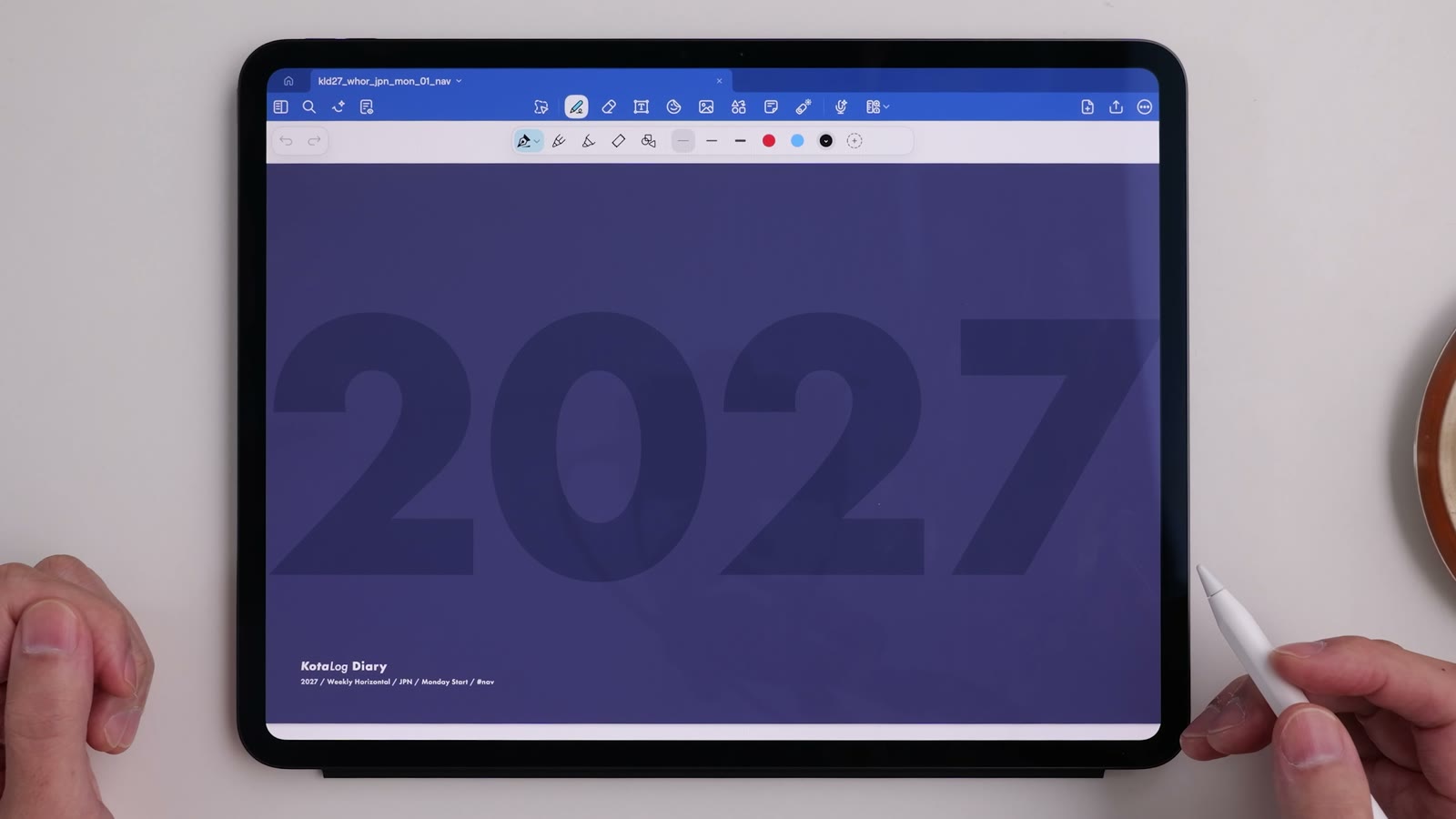
KotaLog Diary is a digital planner you can write on freely, anywhere on the page, just like paper. Rewriting and moving things is easy. With a supported note app, your handwriting is searchable and cloud sync lets you open it on several devices. And with one book per year, the richness of a paper planner stays.
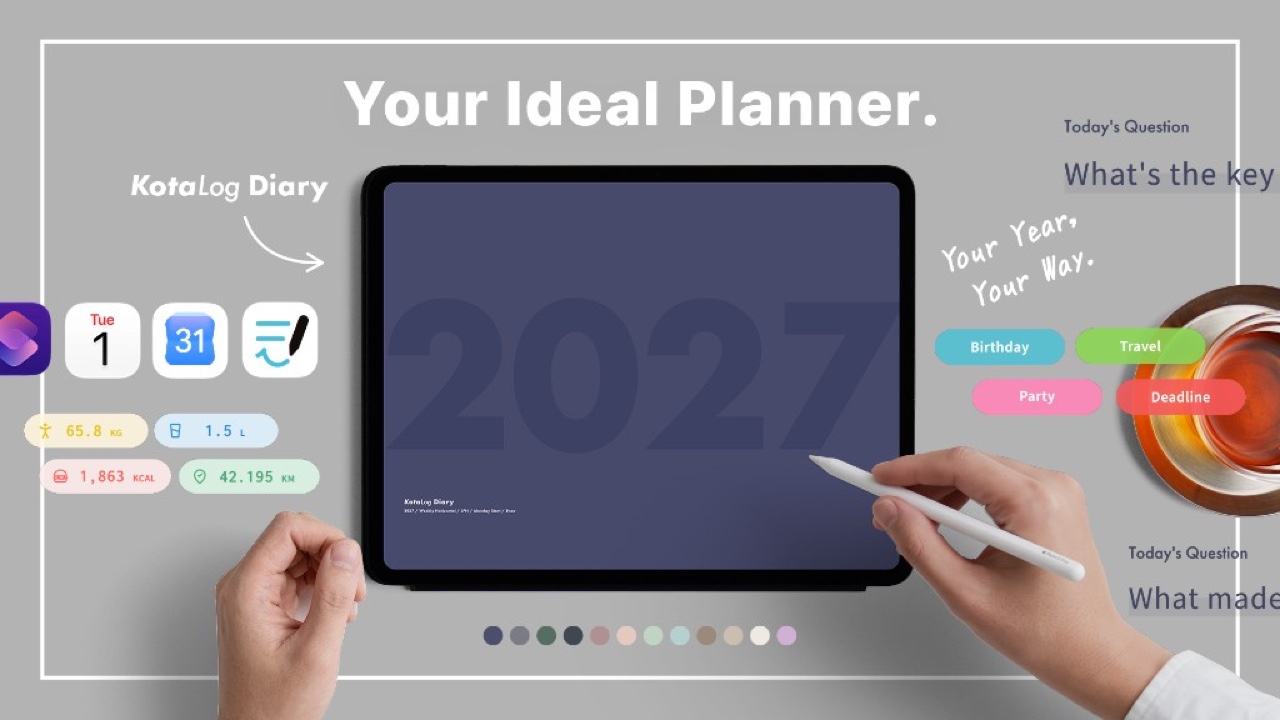
Every color’s Guide page now includes three tools that make everyday writing more fun and less effort.
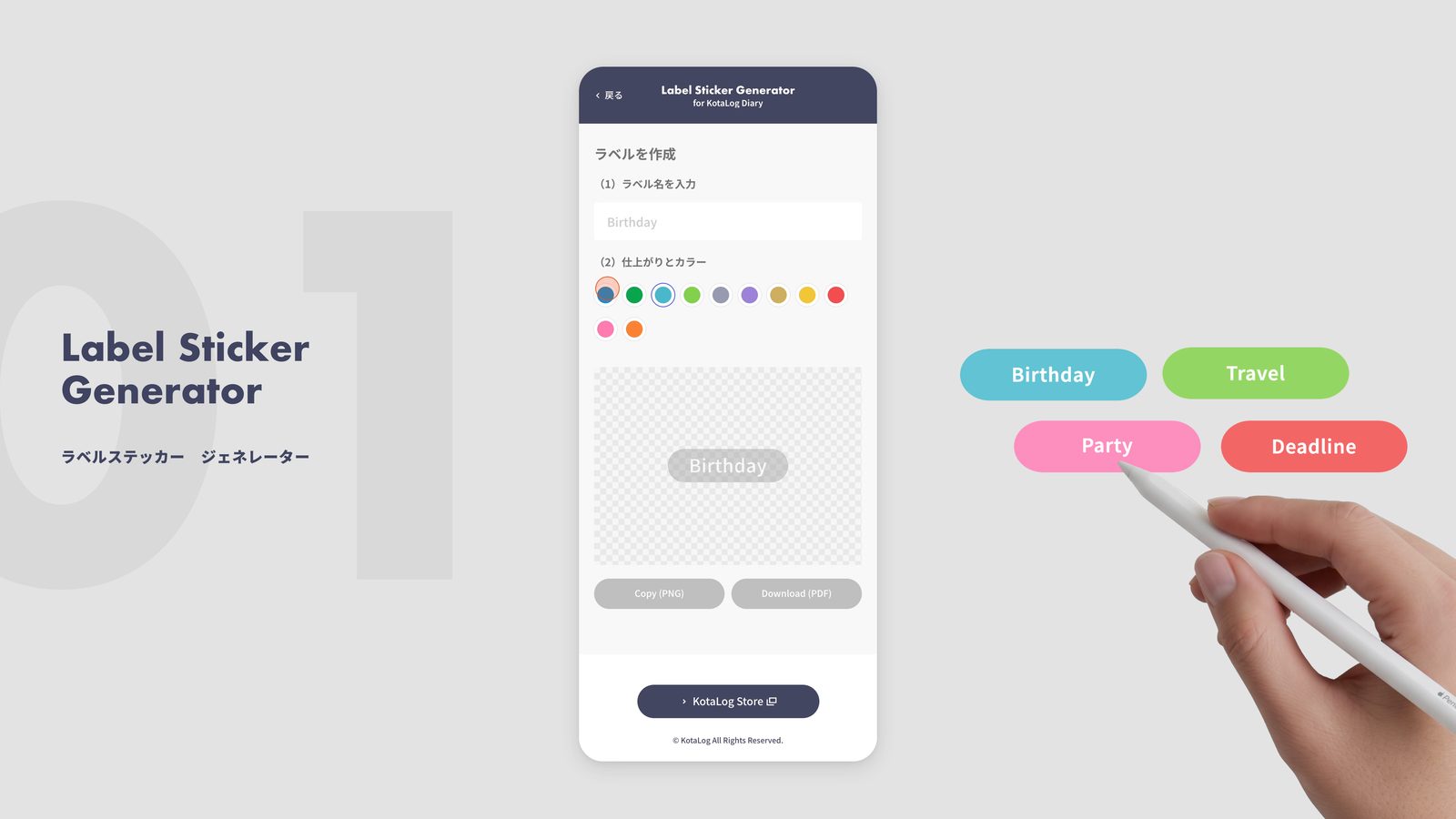
Make label stickers with any words you like. Type, pick a color, copy, and paste. Gather your important dates and you have a calendar that is yours alone.
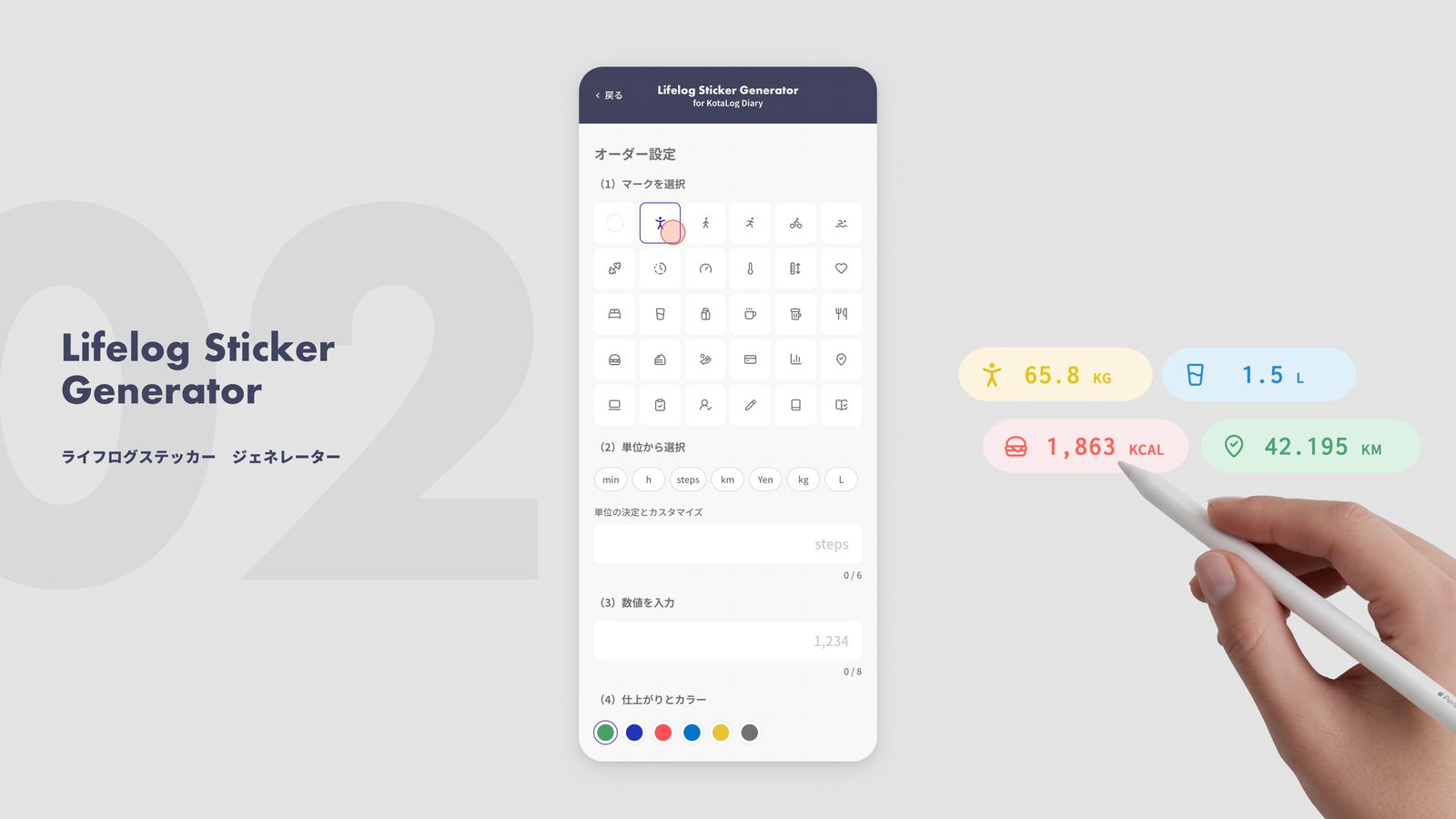
Steps, distance, spending, weight. Stickers with an icon and a unit turn daily records into something you can read at a glance. Put them on a weekly page and you have a small dashboard.
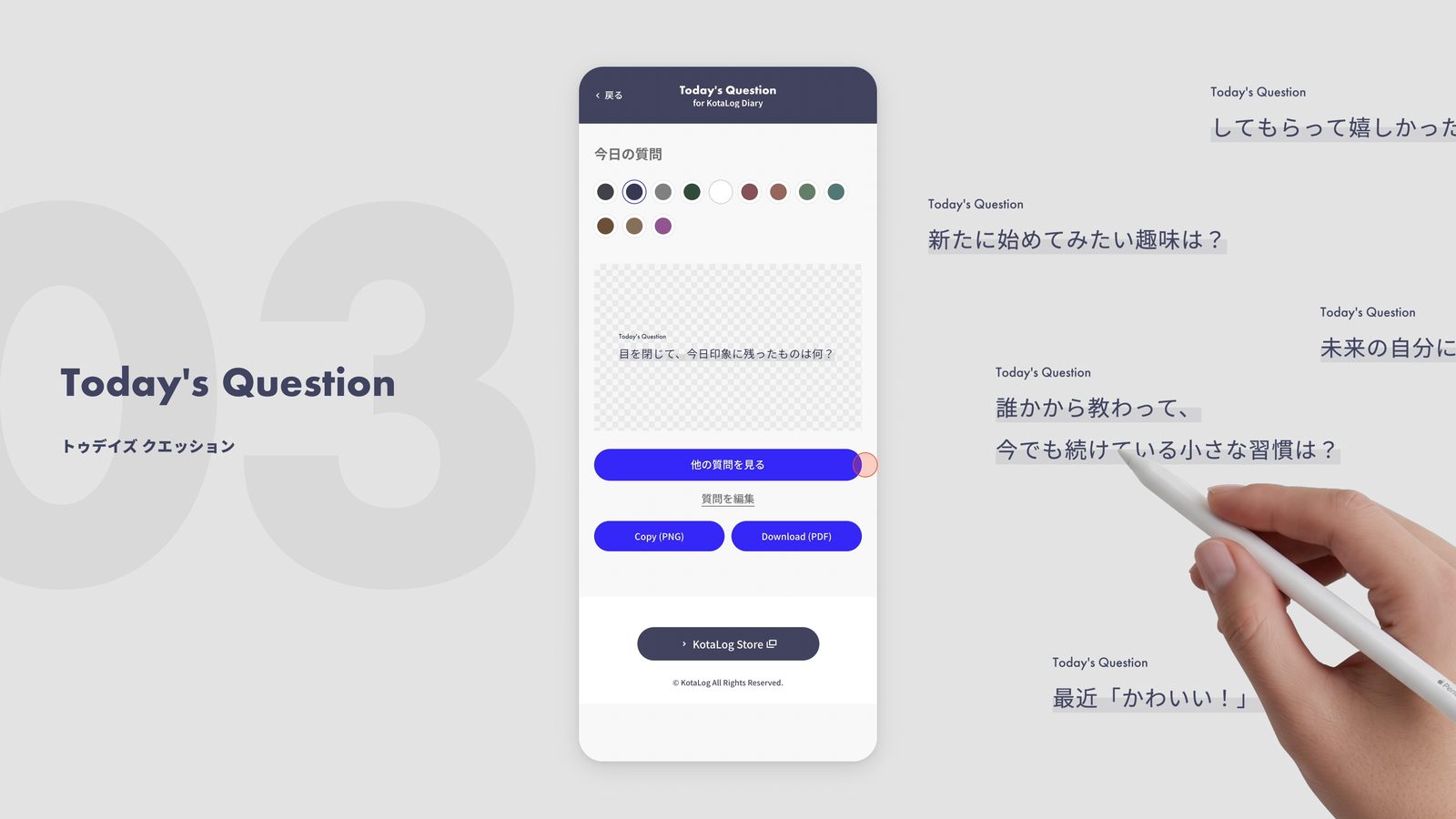
A small question each time you open it. Answering it gives your diary or journaling a place to start. About two years of questions are included.
The tools are available from the Guide page included with the product. The history of stickers you create is stored only in your browser.
Built from soft blocks instead of heavy rules, so pages stay tidy even when plans pile up or span days and hours.
4 layouts, 12 colors, 2 week starts and 2 regional editions — 192 combinations to choose from.
Open it and write wherever you like. No need to fill every page.
Start from the Yearly page and jump to any month, week or day in one tap. Daily layouts include more than 3,000 links.
As a PDF, it works in note apps that support hyperlinks.
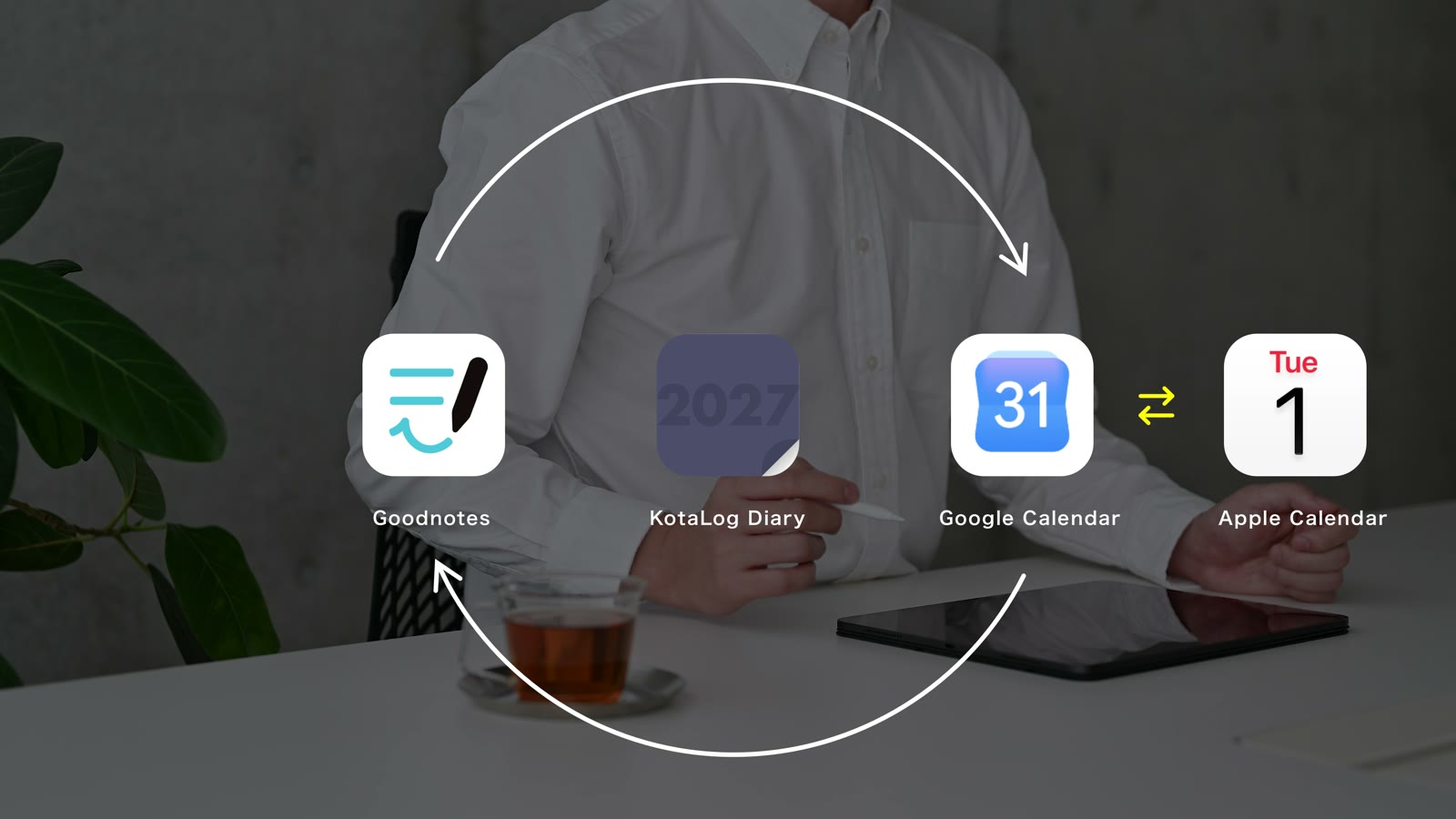
Links to Google Calendar and materials on the Guide page connect it with the tools you already use.
Because the design is simple, it adapts to any style. In different hands, it becomes a completely different planner.
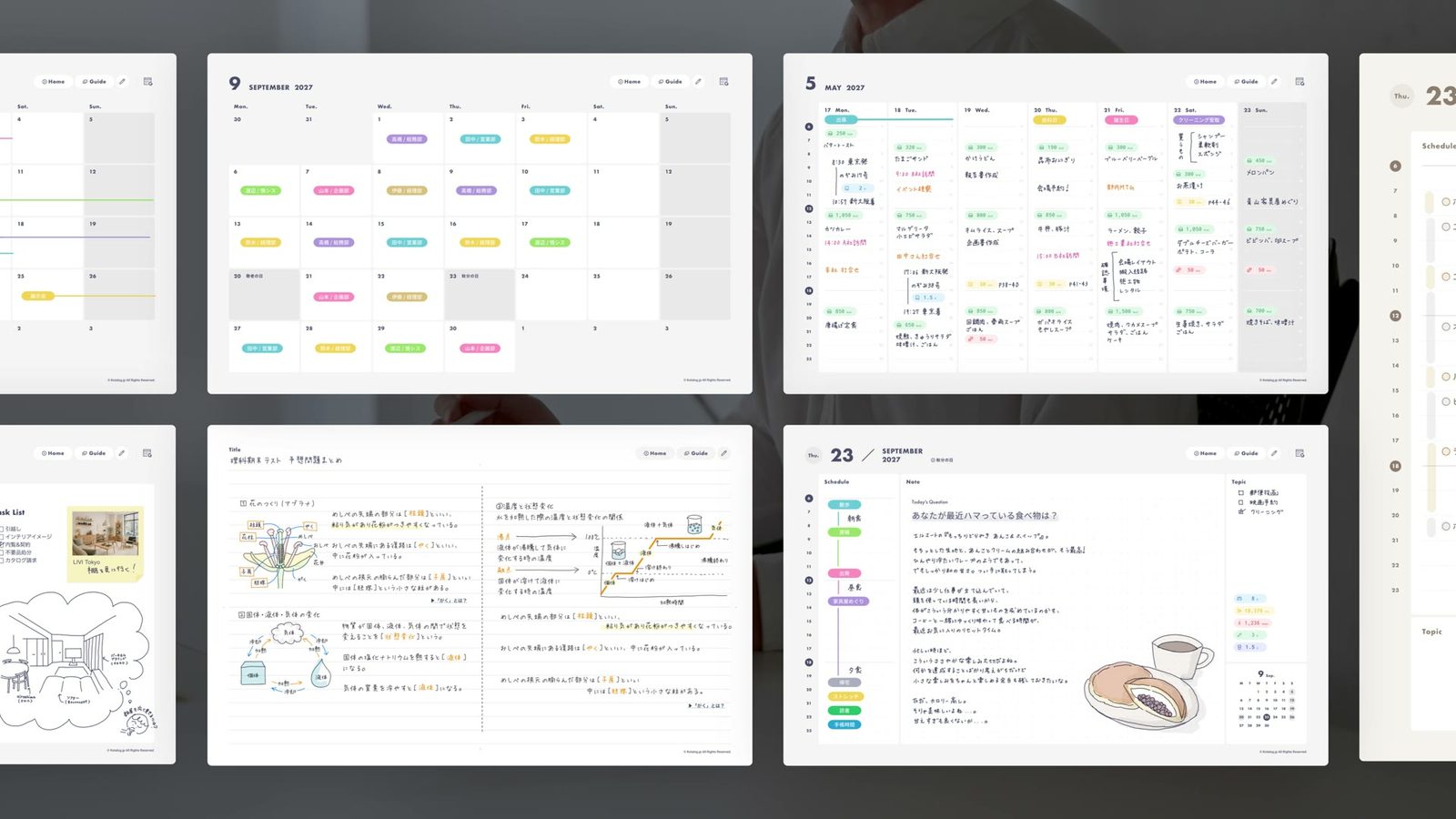
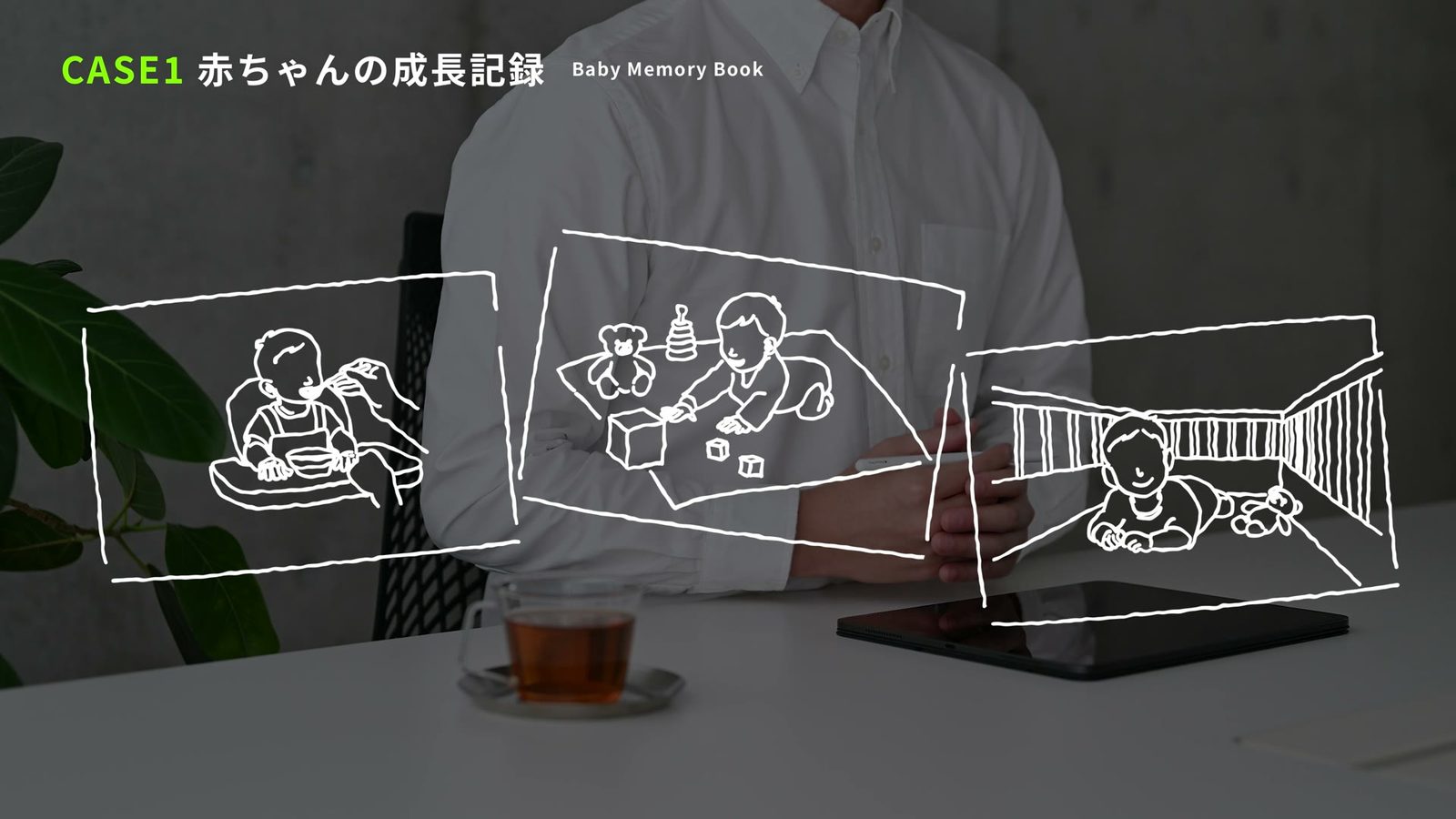
Log weight and feeding amounts with lifelog stickers, then add photos and notes for a family keepsake. You can also export it as a PDF and print it.
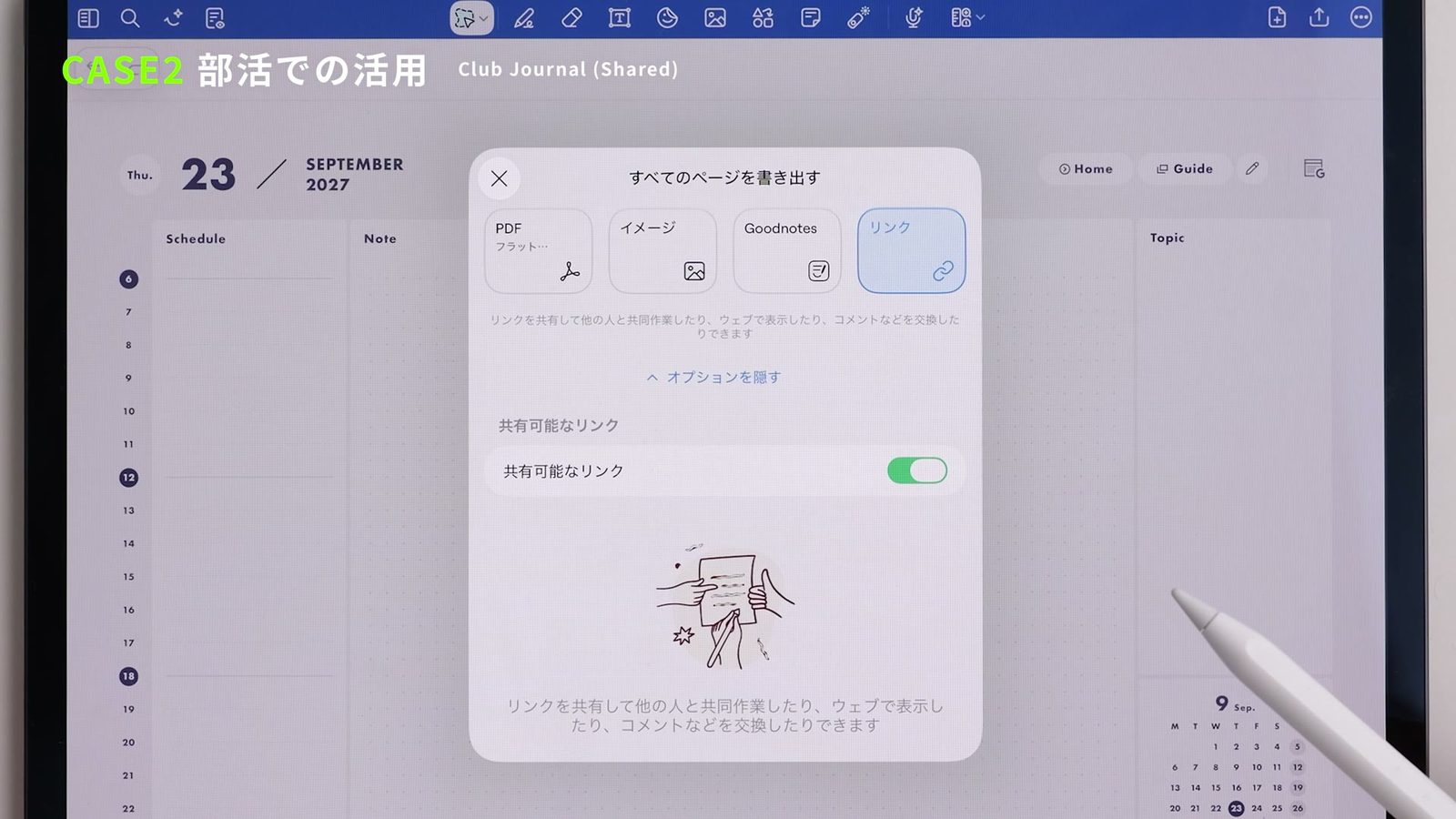
Jot down match schedules, results and tactics and share them with the team. Turn members’ names into stickers to plan formations.
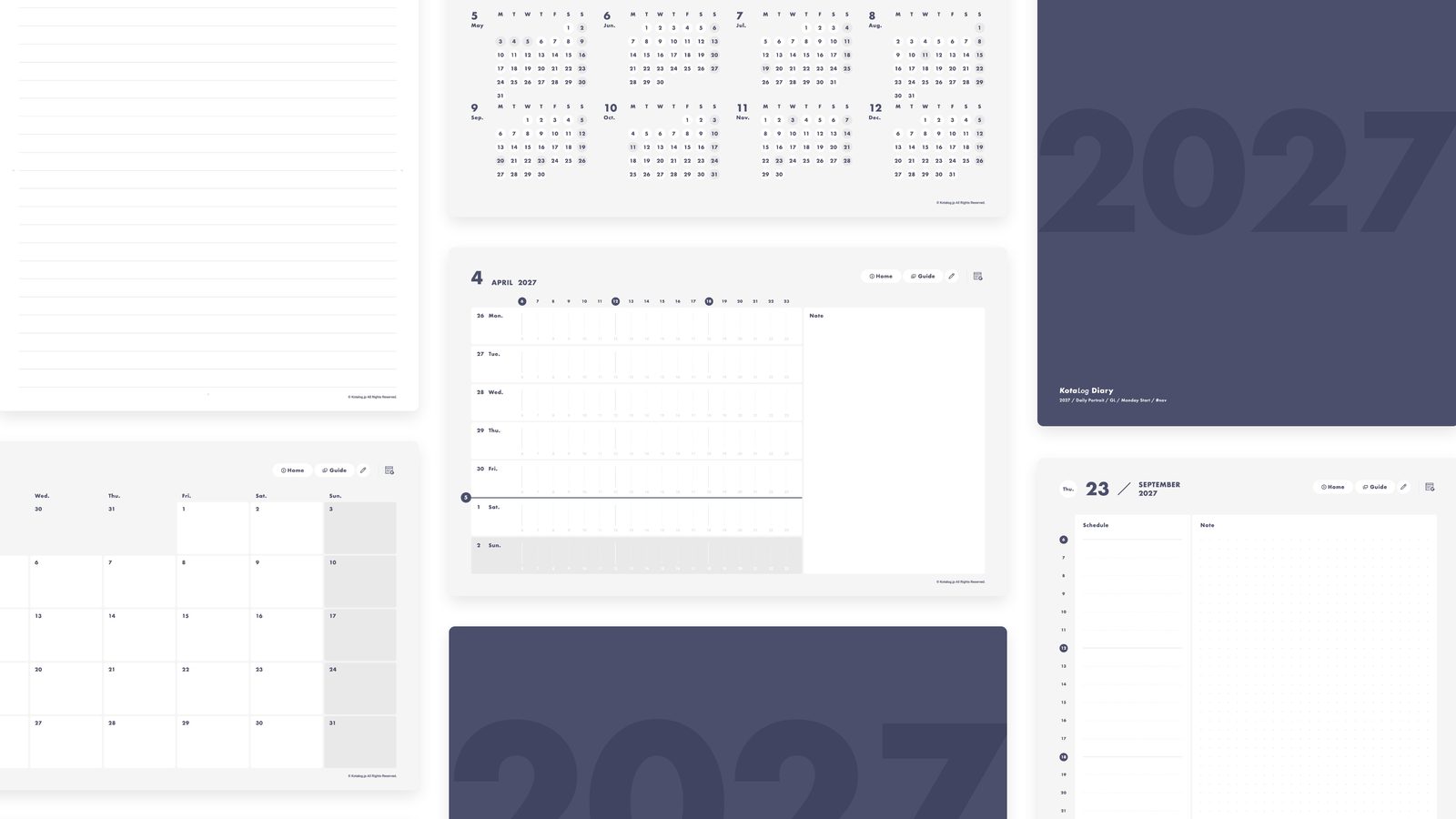
Capture each day, or see the whole week. Choose from 4 layouts, then combine 12 colors, week start and regional edition.
192
combinations
Use the Shortcuts app on iPad to open KotaLog Diary straight from a Home Screen icon — with dedicated icons from the Guide page.
Open Google Calendar from KotaLog Diary pages and add handwritten plans directly. Also covers syncing with Apple Calendar and event notifications.
From importing the file to settings that make writing easier and using the Guide page — everything to set up KotaLog Diary comfortably in Goodnotes.
Find the one that fits you among 192 combinations — and see the lineup and manual too.