
Label Sticker Generator
A tool for making label stickers with any words you like. Use them for plans, categories and deadlines.
How to make one
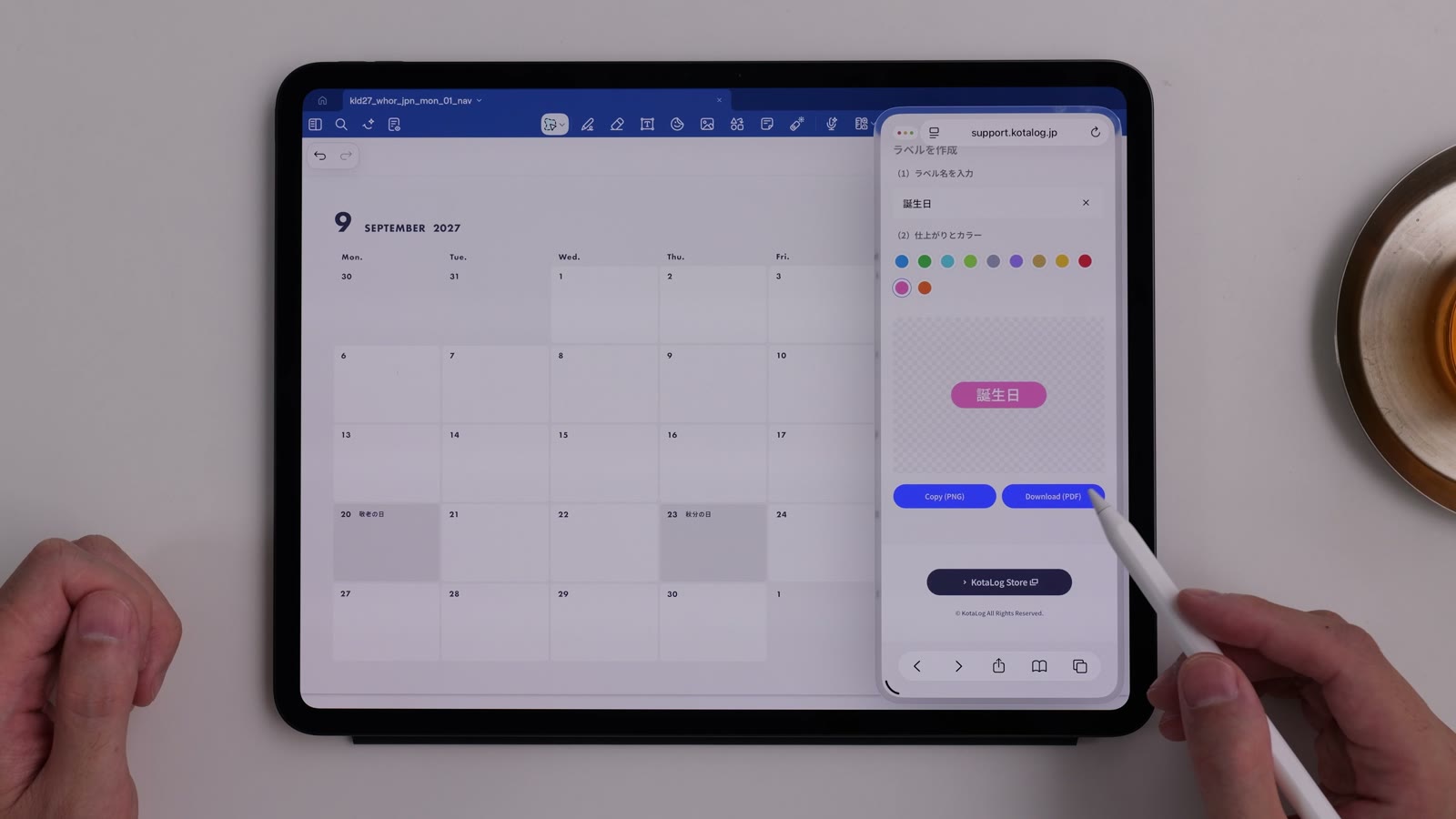
Watch in video14:12- Under “Tools” on the Guide page, tap “Create” for Label Sticker Generator.
- Enter the words for your label in step (1).
- Choose a color in step (2). The preview shows how it will look.
- Tap “Copy (PNG)” to copy it as an image, then paste it into your app.
About Download (PDF)
Watch in video15:11“Download (PDF)” downloads the sticker as vector data, so it stays sharp at any size. For quick use, copying with “Copy (PNG)” and pasting is easiest.
History
Watch in video14:49Stickers you’ve made recently are kept as history. Pick one and tweak it to reuse it.
The history is stored only in your browser. It is never sent to or stored on a server. Clearing your browser data may also clear the history.
Ideas
Watch in video15:29- Gather birthdays, anniversaries and other important dates as stickers for a calendar that’s yours alone
- Write task names and connect their durations with lines for a simple project chart
- Write names to make a duty roster
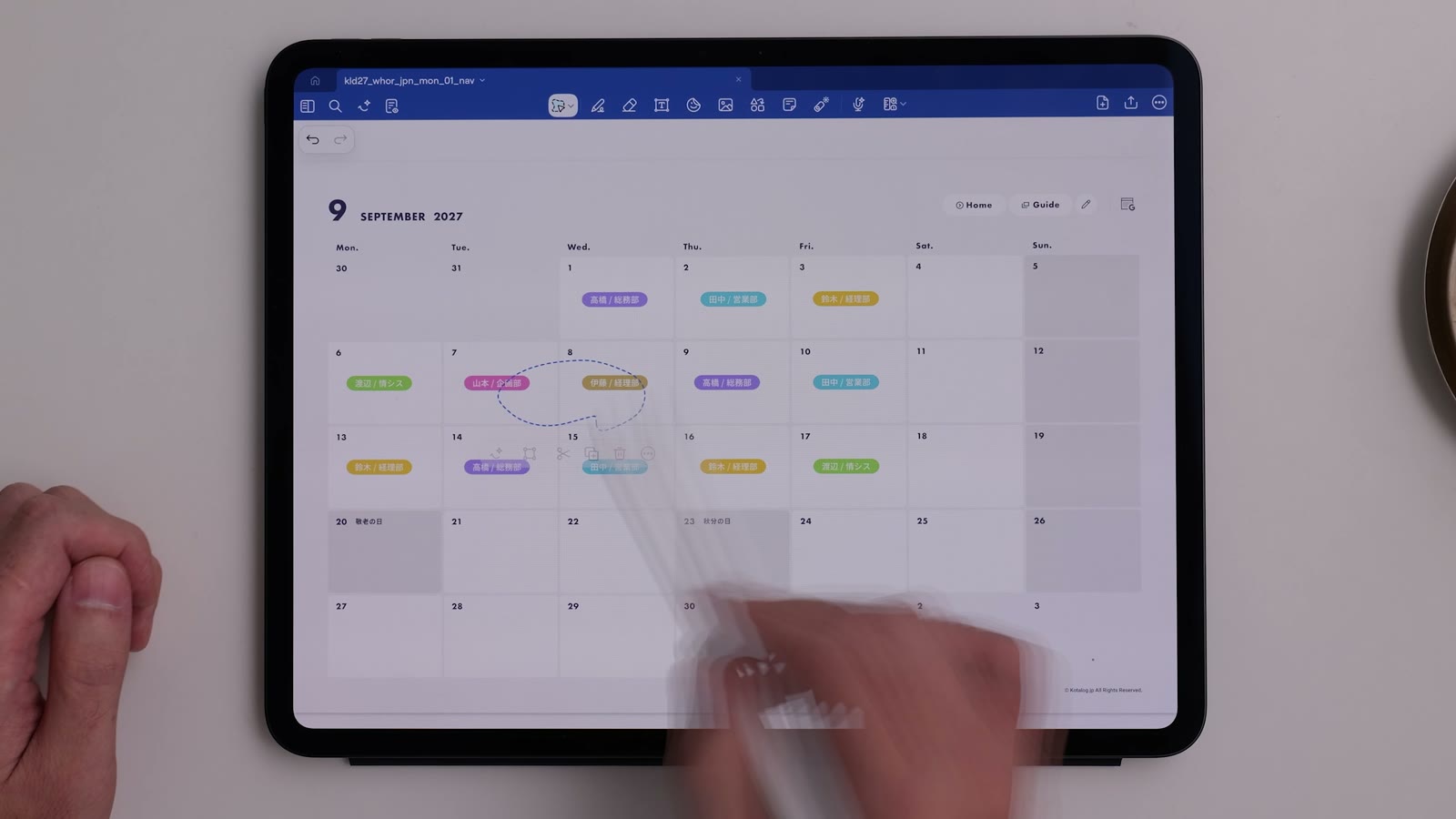
You can make stickers without a pen, so they’re easy to use on iPhone and other devices without one.