
Today’s Question
A tool that shows a random question to start your journaling or diary. A new “today’s question” appears each time you open it.
When you choose your own topics, they tend to drift toward the easy ones — and some days nothing comes to mind. Being asked a question, as if in conversation, can draw out thoughts you wouldn’t usually write.
How to use it
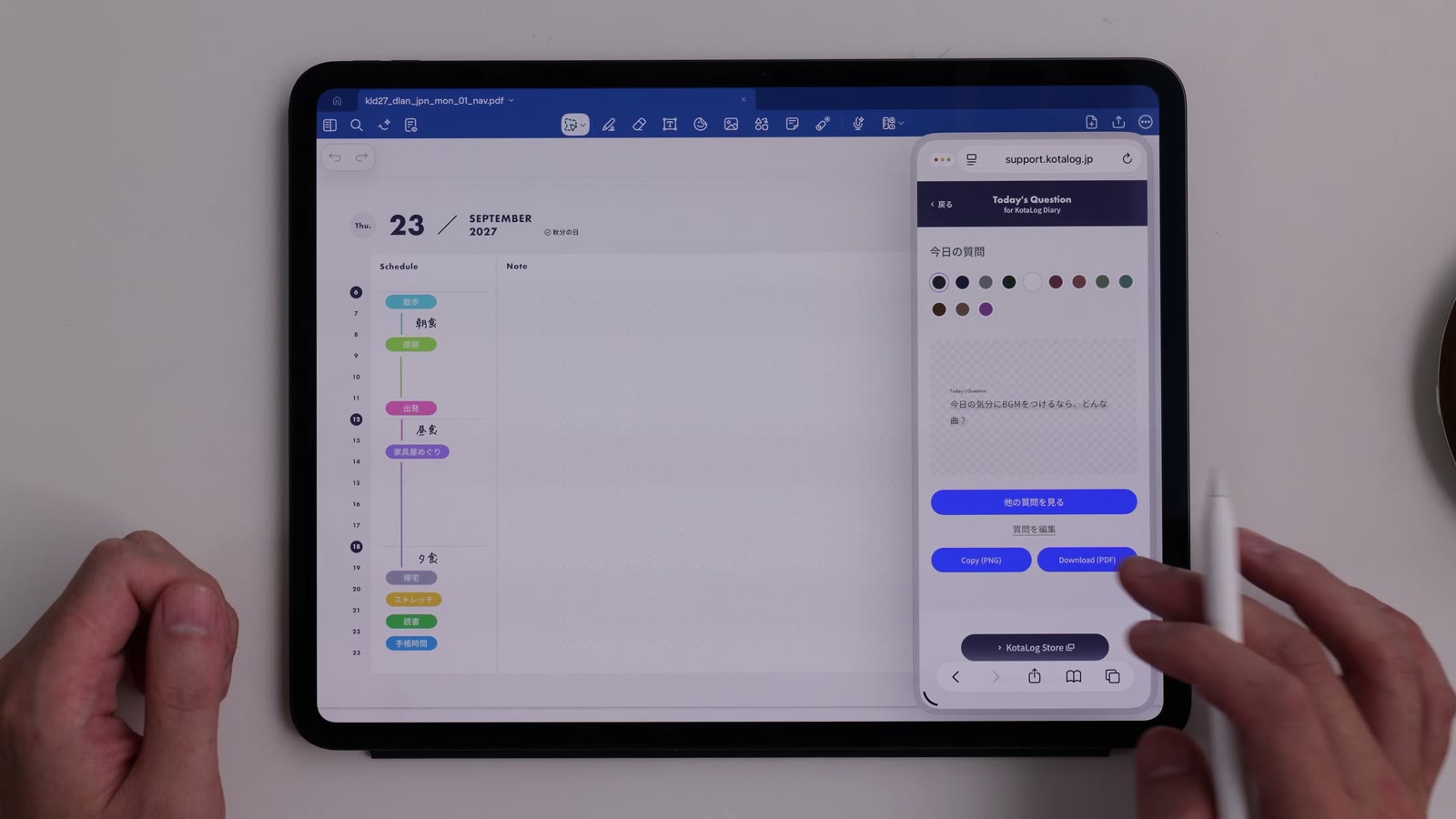
Watch in video20:36- Under “Tools” on the Guide page, tap “Create” for Today’s Question.
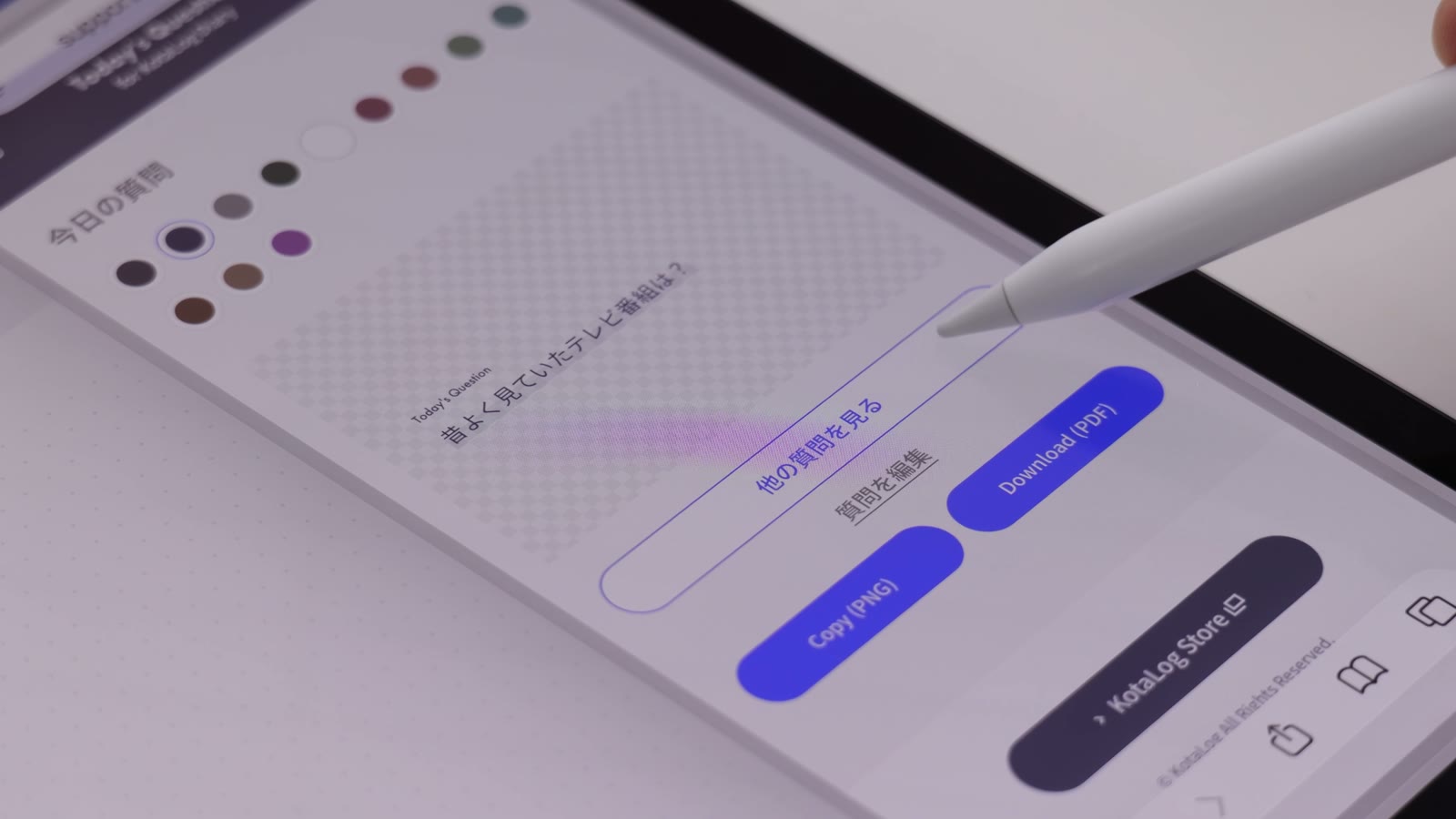
- Today’s question appears. Tap the button to see another question if you’d like a different one.
- To change the wording, edit the question to suit you.
- Choose a color, copy it with “Copy (PNG)” and paste it into your app. You can also download it with “Download (PDF)”.
The questions
About two years of questions are included, and more will be added over time.
Daily layouts have a full notes area for each day, which makes them a particularly good match for diaries and journaling.