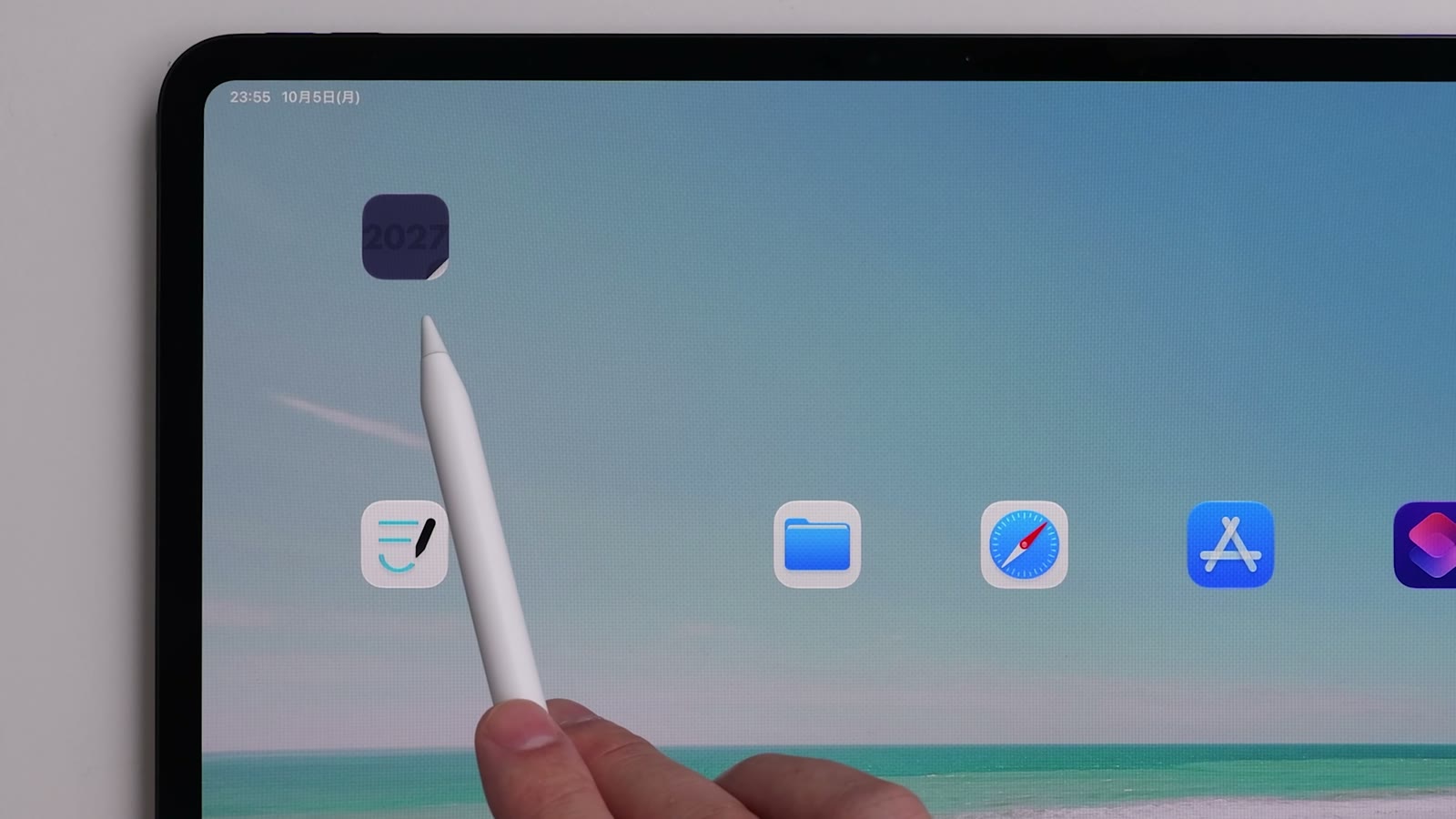
Home Screen icons
“Workflow App Icons” on the Guide page provides icon images you can use for Home Screen shortcuts and more.
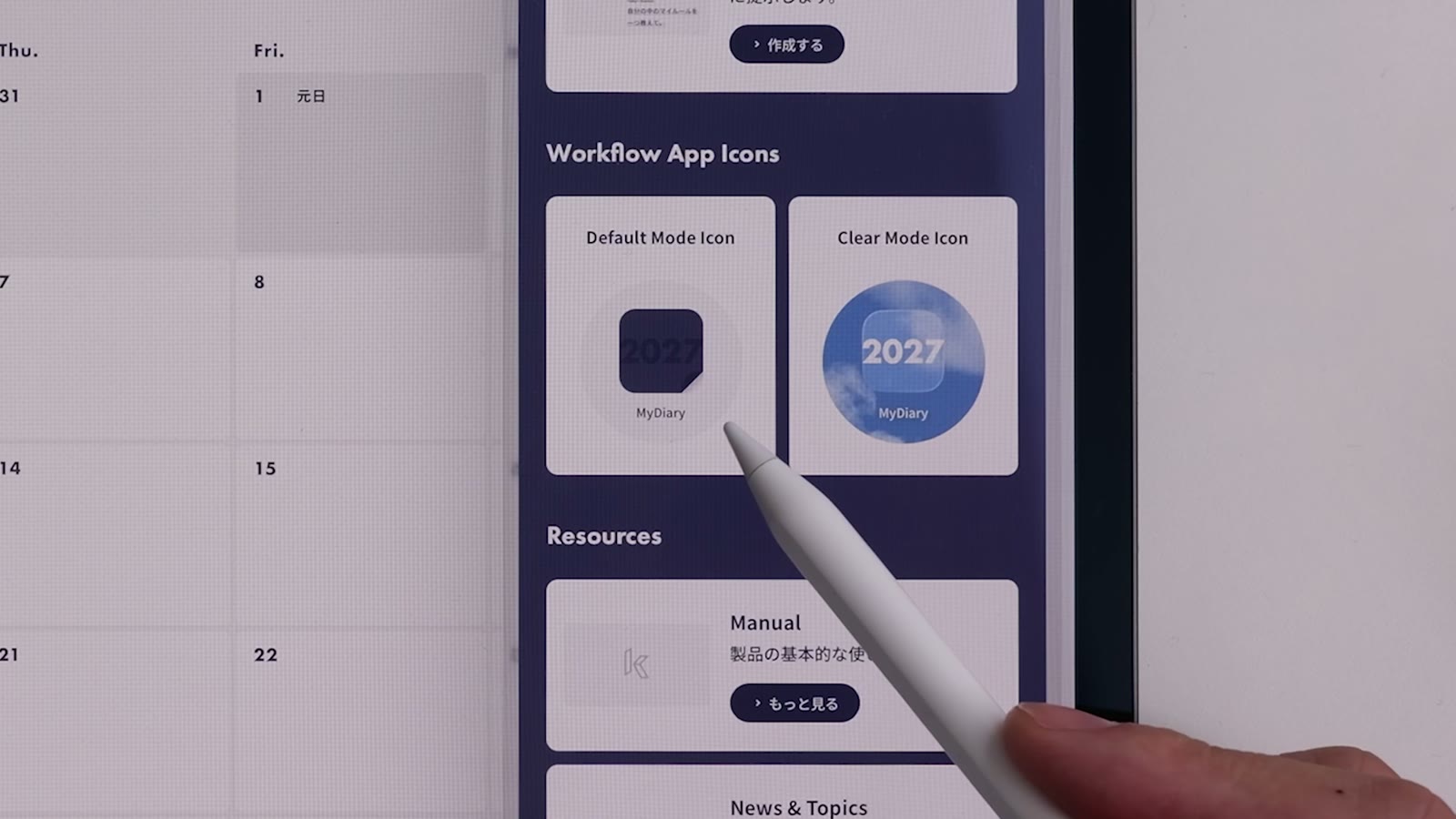
Icon types
| Icon | Best for |
|---|---|
| Default Mode Icon | A standard Home Screen |
| Clear Mode Icon | Home Screens with icons set to “Clear” |
The icons are designed to stay recognizable even when Home Screen icons are shown as “Clear” or “Tinted”.
Save an icon image
Watch in video26:46Tap the icon you want to download the image. Where it’s saved depends on your browser settings. In Safari on iPad, it goes to the “Downloads” folder in the Files app by default.
Open your planner from the Home Screen
You can use the saved icon to open your planner from the Home Screen in one tap. For the steps on iPad with Goodnotes, see Open your planner from the Home Screen in one tap in Tips.